
The secret behind the best Instagram bios
Someone's found you. Maybe through a reel, maybe a recommendation, maybe they've been quietly lurking for six months and have finally decided to investigate. They tap your name, land on your profile and... you've got about three seconds to convince them they're in the right place.
That's your Instagram bio's job. In 150 characters.
The good news? Your bio doesn't need to be clever. It needs to be clear. Hold onto that, because it's basically this whole blog in one sentence.
Right. Let's sort yours out...
How to update your Instagram bio
This bit's quick. Promise.
- Open Instagram and tap your profile picture in the bottom right corner.
- Tap Edit profile.
- Tap Bio and type your new one (you've got 150 characters to play with).
- Tap Done or the tick in the corner.
BOSH. Updated.
While you're in there, have a look at your Name field too. It sits just above your bio, and it's doing far more heavy lifting than most people realise (more on that in a sec).
One heads-up: Instagram only lets you change your name twice in 14 days, so have a think before you start fiddling.
Or even better, grab your free underdogs guide to bios and pinned posts and get it right the first time around.
SEO on Instagram
Instagram isn't just a scroll-and-like app any more. It's a search engine. And these days, it's not only people on Instagram who can find you.
Searching inside Instagram
People type "puppy classes Leeds" or "groomer for nervous dogs" into the search bar exactly like they would on Google. Instagram then decides who to show them based on:
- Your username and Name field. These carry the most weight. If someone types ‘dog trainer’ and those words are in your Name field, you're far more likely to pop up.
- Your bio. The words in it help Instagram work out what your account is about and who it's for.
- Your captions. Instagram reads these too, so your posts can turn up in search, not just your profile.
- Engagement. Accounts people already interact with get a leg up.
Searching on Google
Public Instagram profiles and posts can now show up in Google search results. So someone googling ‘dog walker Chelmsford’ could land on your reel without ever opening the app.
And as of summer 2026, you can add your Instagram account to Google Search Console (Google's free tool for tracking how you show up in search). It shows you which searches bring people to your profile and posts, how often you appear, and how many people click through. Proper juicy data.
To set it up, open Search Console, click the property dropdown in the top left, choose Add property, then pick Instagram and follow the prompts to connect your account. It can take a day or two for the data to start showing.
What about AI tools?
Google's AI answers pull from the same search index, and other AI tools that search the web can find public pages too. So there's a growing chance your Instagram content gets picked up there. It's early days though, so we're not making any promises.
Why does it matter?
Because people searching are already looking for what you offer. You don't need to convince them they need a dog trainer. They've got a puppy doing zoomies around the living room as they scroll. Being findable puts you in front of warm, ready-to-book people. Bish, bash, BOSH.
Don't fall for the creativity trap
Putting something cute or clever where the searchable words should go might give you brand voice points - but it won't help you get discovered. Keep your creative flair for elsewhere.
How to put a link in your Instagram bio
Your bio is one of the only places on Instagram where a link is actually clickable. So use it!
- Go to your profile and tap Edit profile.
- Tap Links, then Add external link.
- Paste in your URL, give it a title and tap Done.
And you're not limited to one. Instagram lets you add up to five links. Or you can use a link-in-bio tool like Linktree or Metricool to build a little landing page with all your important bits in one place.
But just because you can add five links doesn't mean you should.
Give people too many options and they freeze, then scroll off to look at inspirational quotes instead. The more focused your link, the more likely they are to click it.
Oh, and click your link once in a while. Broken links are sneakier than you'd think.
The best bio for Instagram includes...
A great bio does one job: it tells the right person they're in the right place. Fast.
Think about it from your visitor's POV. They've probably landed from a reel or a recommendation, they know nothing about you, and their thumb is hovering.
In those few seconds, your bio needs to answer the questions running through their head. Is this for me? Can they help with my problem? Where are they? What do I do now?
If your bio leaves them guessing on any of those, they'll scroll on. Not because you're crap, but because they had to work too hard to figure out the next step.
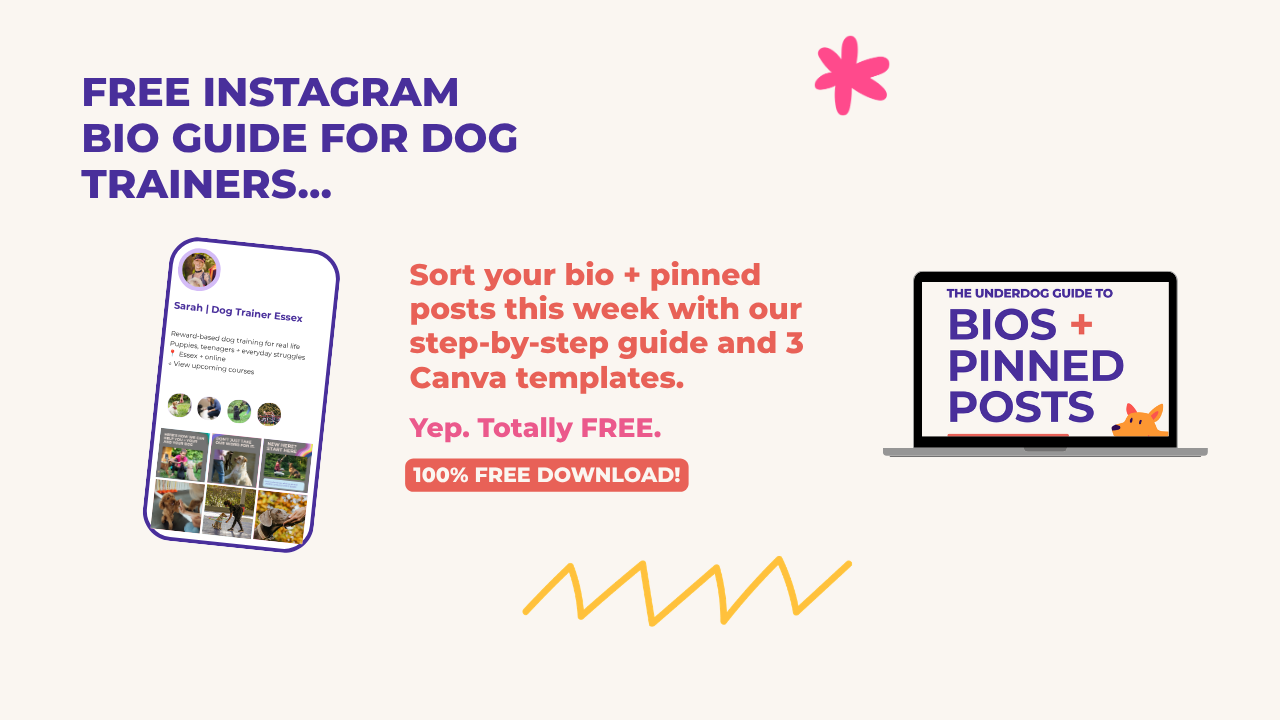
Our free Underdogs Bio + Pinned Posts Guide breaks down exactly what to include, line by line, with fill-in-the-blanks templates for different types of pet business.
Instagram bio ideas
Need a little inspo? Here are a few snappy ideas to get your cogs turning. Pinch the structure, swap in your own details, and you're away. The guide above will give you way more inspo though. 😉
Dog walker
- Small-group dog walks for energetic dogs
- Fully insured + DBS checked
- Chelmsford + surrounding villages
- ↓ Check availability
Dog groomer
- Calm, fear-free grooming for nervous pups
- One-to-one appointments that go at your dogs pace
- Bristol salon
- ↓ Book your groom
Pet photographer
- Dog photography for your fav family member
- Outdoor sessions + framed prints
- Yorkshire + UK-wide travel
- ↓ Grab your session guide
Behaviourist
- Helping reactive dogs feel safer on walks
- Kind, effective behaviour support
- Kent + online
- ↓ Find out how I can help
Notice how none of them are trying to be poetic? Clear beats clever every time. Bloomin' lovely.
What do pinned posts do?
Your bio's done its bit. So where do your visitor's eyes go next? Your pinned posts.
Pinned posts are the (up to) three posts you choose to fix at the top of your grid. Whatever else you post, they stay put, which makes them the first thing anyone new sees on your profile.
That makes them prime real estate. Used well, they take someone from 'who's this?' to 'ooooh, this is exactly what I need' in a couple of taps.
Used badly... well. Most businesses pin whatever went a bit viral once, or a promo for something that sold out months ago. Lovely number of views. Not much help to a brand-new visitor trying to work out if you're right for them.
We've got a simple three-part formula for choosing your pinned posts, where each one has its own specific job. Get it right and your profile does the selling for you while you're out walking dogs.
And no, we're not telling you what it is here. (Sorry, not sorry.)
Grab your free Underdogs guide
Inside your free Underdog Guide to Bios + Pinned Posts you'll find:
- Step-by-step help writing a bio that's crystal clear and findable
- Fill-in-the-blanks bio templates for different types of pet business
- Our three-post formula for pinned posts
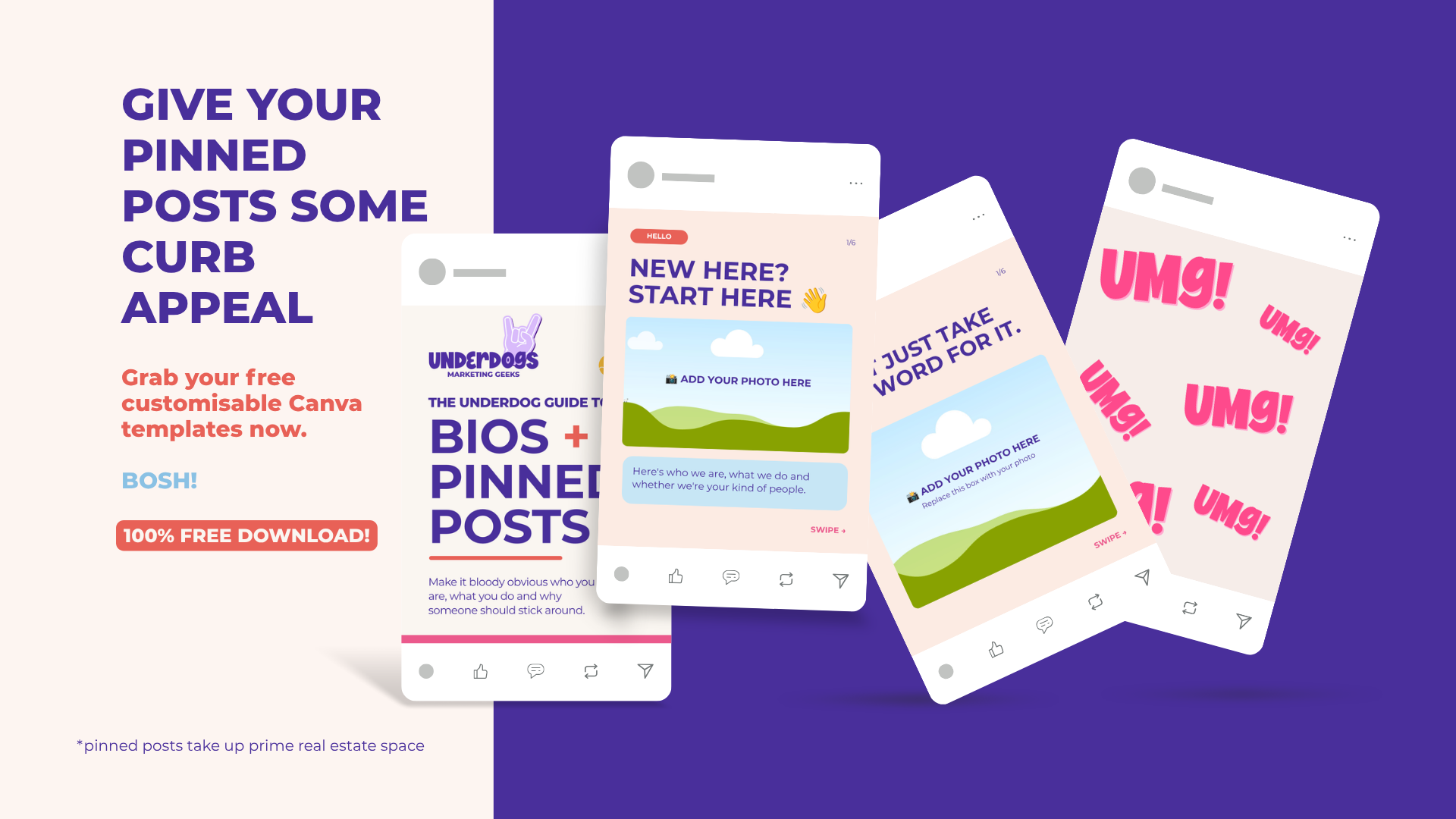
- 3 customisable Canva carousel templates, so your pinned posts are done in no time
- A quick 10-minute profile checklist to give yours curb appeal
Plus two bonus videos: how to set up your brand in Canva, and how to edit the templates so they look like you. BOSH.
👉 SMUSH THIS LINK TO GET YOUR PAWS ON YOUR FREE BIO GUIDE
We're The Underdogs Marketing Geeks
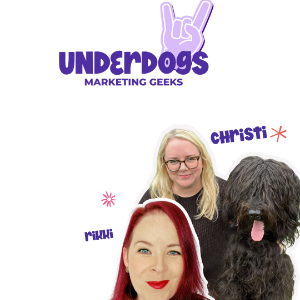
Rikki and Christi
Dog Biz Marketing Specialists
We're a duo of ethical marketing geeks on a mission to help ethical dog geeks feel confident about getting found, booked and known for what they're good at.
